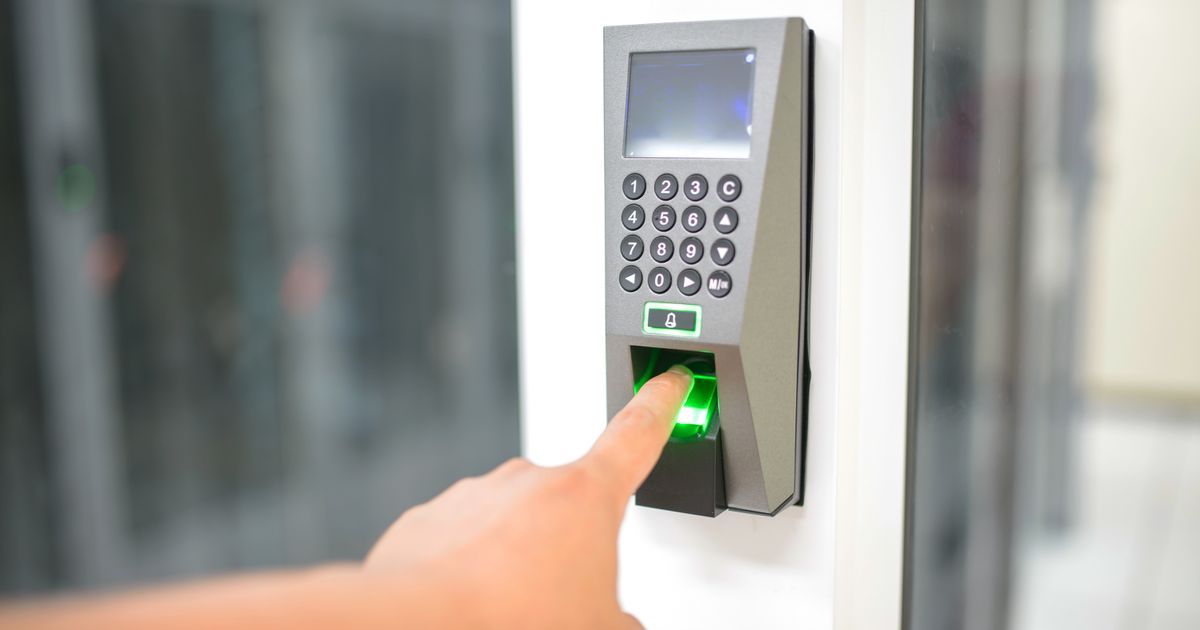
Unlocking a phone with a quick touch of your finger feels almost magical, but the process behind it is a straightforward, well-understood piece of engineering. A fingerprint sensorA sensor that reads the unique ridges of your fingerprint using tiny electrical signals, then uses that pattern to unlock a device instead of a password. 'Capacitive' refers to that electrical-sensing method. More in the glossary's entire job is to turn the physical ridges and valleys on your fingertip into a digital pattern, then compare that pattern to one it already has stored, deciding in a fraction of a second whether the two are a close enough match.
There are two sensor designs in common use on phones: capacitive sensors, which sense the ridges electrically, and optical sensors, which essentially take a detailed picture of the fingertip using light. Both approaches are solving the same problem in different ways, and both ultimately boil down to the same comparison step at the end.
It is worth understanding this process as pattern matching rather than some kind of perfect identity check. The sensor is not confirming who you are in any deep sense; it is comparing a newly captured pattern to a previously stored one and deciding, with some built-in tolerance, that they are alike enough to count as a match.
What a fingerprint actually is, physically
The surface of a fingertip is covered in a continuous pattern of raised ridges and the valleys between them, formed before birth and remaining largely stable throughout a person's life, aside from minor changes from scarring, wear, or skin condition. The exact arrangement of these ridges, including where they split, end, or loop, is unique enough across the population that comparing enough of this detail reliably tells one finger apart from another.
A fingerprint sensor's job is essentially to create a digital map of this ridge pattern from the small area of fingertip that touches it, which is always a partial view of the full fingerprint rather than the entire finger surface. This partial view is still normally rich enough in distinguishing detail for a reliable match.
How capacitive sensors sense ridges electrically
Capacitive fingerprint sensors, the most common type built into phone power buttons or under the screen, are made of a tiny grid of electrical sensing points, similar in concept to the grid of light-sensing points in a camera sensor. Instead of measuring light, though, each point in this grid measures a tiny electrical property called capacitance, which changes depending on how close a conductive surface, like skin, is to that point.
Because a ridge touches the sensor surface directly while a valley sits slightly farther away, each point in the grid reads a different capacitance value depending on whether a ridge or a valley is above it. Mapping all these readings together produces a detailed picture of the ridge pattern, built entirely from electrical measurements rather than light, which is part of why capacitive sensors work reliably even in complete darkness.
How optical sensors sense ridges with light
Optical fingerprint sensors, often used in the newer under-display designs on phones, work more like a miniature camera. The screen briefly illuminates the fingertip, and a small light sensor underneath captures the pattern of light and shadow created by the ridges and valleys as the light reflects differently off each.
Because this approach is fundamentally about capturing an image, it relies on good illumination and a clean path for light to travel from the screen through to the sensor beneath it. Advances in processing have made these sensors increasingly reliable even with wet or slightly dirty fingers, though they can still be more sensitive to such conditions than capacitive designs.
Turning the raw map into something comparable
Whichever sensing method is used, the raw map of ridges is converted by software into a simplified representation highlighting specific distinguishing features, such as points where ridges split apart, come to an end, or curve into a loop. These feature points, rather than the full raw image, are what gets stored and compared, because they are more efficient to work with and less sensitive to minor variations between scans.
This simplified representation is called a template. Critically, the system does not usually store a picture of your fingerprint; it stores this mathematical summary of distinguishing feature points, which cannot be easily turned back into an image of your actual finger.
The matching decision
When you place your finger on the sensor to unlock a device, the system captures a brand-new map, extracts feature points from it the same way, and compares those points to the stored template. Because no two touches of the same finger land in exactly the same position or pressure, this comparison always allows for a reasonable amount of variation rather than demanding a perfect, pixel-for-pixel match.
The system calculates how closely the new feature points align with the stored template and makes an accept or reject decision based on whether that similarity crosses a set threshold. This threshold is deliberately tuned to balance two competing risks: rejecting the legitimate owner too often, which is frustrating, against accepting a mismatched or different finger, which is a security failure. Neither risk can be reduced to exactly zero, which is a known and accepted limitation of fingerprint matching as a technology.
Where the matching actually happens
On most modern phones, the comparison between a freshly captured fingerprint map and the stored template takes place inside a dedicated, isolated piece of hardware built specifically to handle sensitive data like this, often kept separate from the phone's general-purpose processor. Keeping the matching process confined to this isolated area is a deliberate design choice intended to make the stored template harder to extract or tamper with.
This is also why fingerprint unlock typically continues to work even if other parts of the phone's software are behaving unusually, since the matching routine does not depend on the general operating system to make its accept or reject decision. The underlying sensor technology can vary between devices, but this basic architecture, isolated storage and isolated matching, has become a standard expectation for how fingerprint recognition should be implemented.
Capacitive versus optical fingerprint sensors
| Aspect | Capacitive sensor | Optical sensor |
|---|---|---|
| How it senses the finger | Measures tiny electrical property changes where ridges touch the surface | Captures an image using light reflected off ridges and valleys |
| Works in total darkness | Yes, since it does not rely on light | Needs a light source, usually provided by the screen itself |
| Typical phone placement | Power button or a dedicated pad | Commonly built underneath the display |
| Sensitivity to wet or dirty fingers | Generally more consistent | Can be more affected, though modern designs have improved |
Common Mistakes
- Assuming the sensor stores an actual photo of your fingerprint; most systems store only a mathematical summary of distinguishing feature points, called a template.
- Believing fingerprint matching requires a perfect identical match every time, when in reality it always allows for some natural variation between scans of the same finger.
- Thinking all fingerprint sensors work the same way, when capacitive and optical designs sense the finger using entirely different physical principles.
- Assuming a fingerprint sensor provides absolute, foolproof security, when like any pattern-matching system it has a built-in, tuned tolerance for both false rejections and false acceptances.
Frequently Asked Questions
Can a fingerprint sensor be fooled by a photo of a fingerprint?
A simple flat image generally will not work because these sensors are designed to detect physical ridge depth or light reflection patterns consistent with a real three-dimensional finger, not a flat picture, though no biometric method is absolutely immune to determined, sophisticated spoofing attempts.
Why does a fingerprint sensor sometimes fail to recognize my own finger?
Dirt, moisture, dryness, minor cuts, or an unusual touch angle can all change how the ridge pattern is captured enough to fall outside the system's matching threshold, even though it is genuinely your finger.
Is my fingerprint data sent to the internet when I use it to unlock a phone?
On most modern phones, fingerprint templates are stored and matched entirely within a secure, isolated part of the device's hardware and are not designed to be transmitted elsewhere for this basic unlock function.
Why do some sensors ask you to scan your finger from multiple angles during setup?
Capturing the finger at several angles and positions during setup builds a more complete and reliable template, since any single touch only captures a partial view of the full fingerprint.
Sources
- NIST — research and standards on fingerprint and biometric recognition — https://www.nist.gov/
- IEEE Spectrum — explainers on biometric sensor technology — https://spectrum.ieee.org/