Category
Screens and Touch
How displays light up and how they sense a touch.
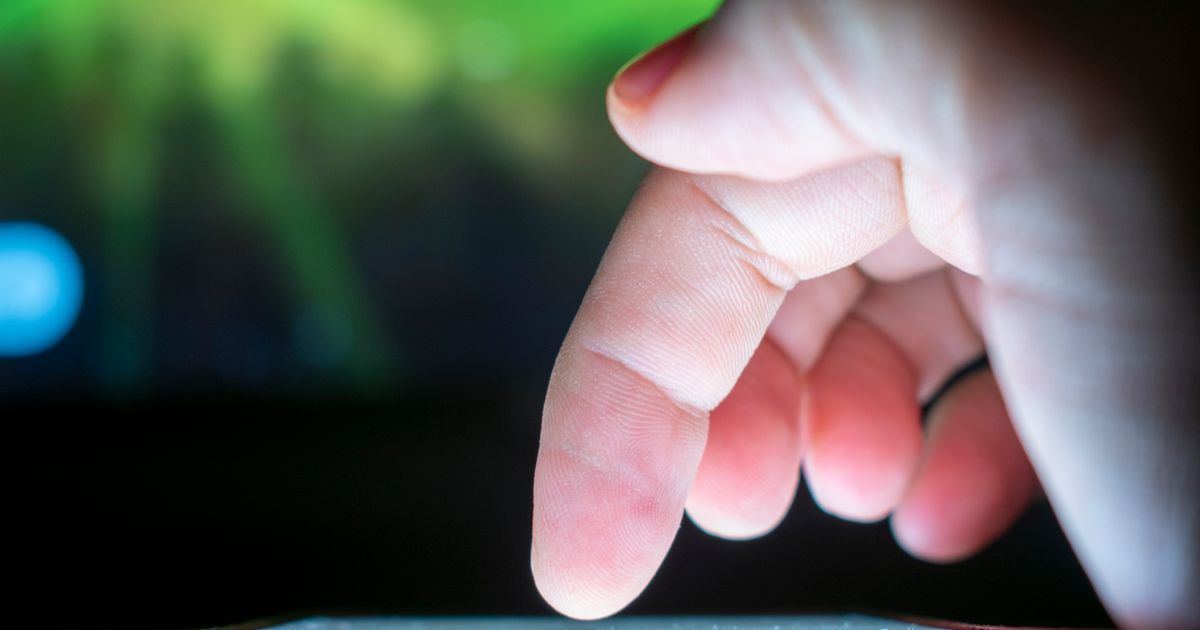
Every tap, swipe, and glance at a screen depends on two separate systems working together: a display that produces light and color, and a touch layer that senses where your finger is. Most people treat the glass on their phone as a single mysterious surface, but a touchscreen is really a stack of distinct technologies, each with its own limits. Understanding how pixels and touch sensing actually work explains everyday experiences that otherwise feel random, like why a screen protector dulls sensitivity, why wet fingers get ignored, or why one phone's display looks richer than another's in direct sunlight. This category stays away from brand comparisons and focuses on the physics and engineering principles behind screens and touch, the same fundamentals that apply across manufacturers and will still apply to whatever display technology comes next.
New to this topic? A trail is a reading path: 9 guides in the order that makes each one easier to understand. You tick off each guide as you finish it, and the progress bar remembers where you stopped.
All 9 guides in this category
 beginner 6 min read
How a Capacitive Touchscreen Detects Your Finger
Capacitive touchscreens detect your finger by sensing a disturbance in an invisible electrical field just above the glass, not by feeling pressure.
 beginner 6 min read
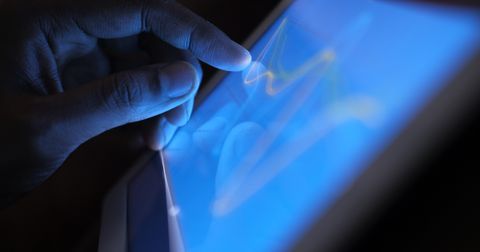
Why Your Screen Sometimes Ignores Light Taps
Touchscreens require a touch to clear certain signal thresholds before it counts, which is why light, fast, or edge-of-screen taps are sometimes ignored.
 intermediate 6 min read
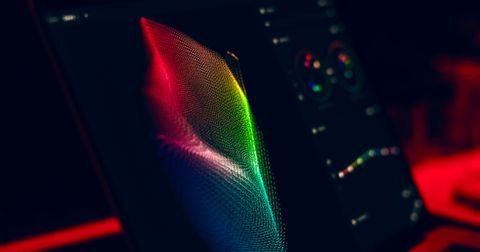
OLED vs LCD: What Actually Lights Up Your Screen
LCD screens filter a constant backlight, while OLED pixels generate their own light, and that one structural difference explains most of what sets the two apart.
 beginner 6 min read
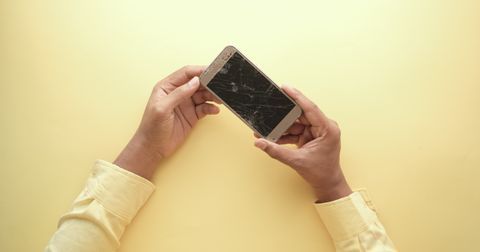
Why Phone Screens Crack More Easily Than They Used To
Thinner glass, larger edge-to-edge screens, and lighter bodies all make modern phones more prone to cracking, even though the glass itself has improved.
 beginner 6 min read
What 'Refresh Rate' Means and Why 120Hz Feels Smoother
Refresh rate measures how many times per second a screen redraws its image, and higher rates make motion look smoother at the cost of more battery use.
 intermediate 6 min read
How Screen Protectors Affect Touch Sensitivity
Screen protectors rarely hurt touch sensitivity when thin and well installed, but thickness, trapped air, and poor adhesion can noticeably weaken response.
 beginner 6 min read
Why Touchscreens Struggle With Gloves and Wet Fingers
Gloves block a touchscreen's electrical signal almost entirely, while water adds extra unwanted signal, causing two very different kinds of touch problems.
 intermediate 6 min read
What Pixel Density (PPI) Actually Changes on a Screen
Pixel density combines resolution and screen size to describe how tightly packed pixels are, and its visible benefit depends heavily on viewing distance.
 beginner 6 min read
How Auto-Brightness Sensors Decide How Bright Your Screen Should Be
An ambient light sensor measures surrounding light, and software maps that reading to a screen brightness level, with a deliberate delay to avoid flicker.