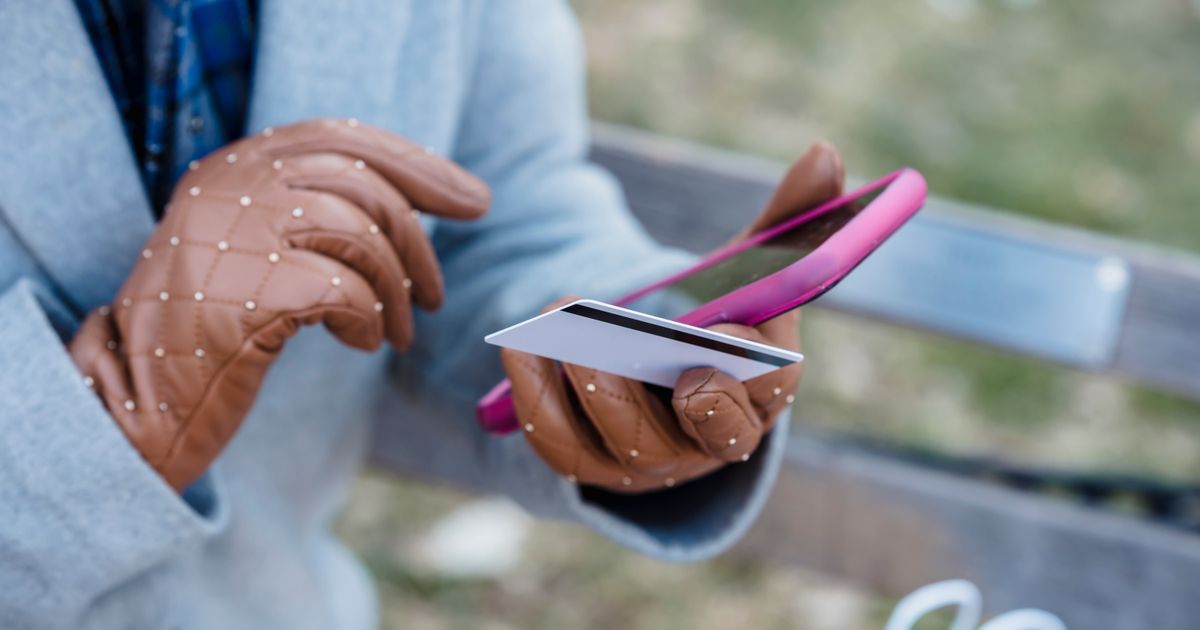
Try using a touchscreen with gloves on in winter, or with wet hands after washing dishes, and the results are often frustrating: taps don't register, or the screen does something you didn't intend. Both problems trace back to the same underlying mechanism, but they actually work in close to opposite ways. Gloves tend to block the signal a touchscreen needs. Water tends to create extra, unwanted signal.
Capacitive touchscreensThe type of touchscreen in nearly every phone and tablet. It senses the tiny electrical charge in your finger, so it mostly ignores gloves or a plain stylus unless they're made for it. More in the glossary, the kind used in nearly all modern phones and tablets, detect touch by sensing a conductive object disturbing a thin electrical field near the glass. Your bare skin is naturally conductive enough to do this reliably. Most everyday gloves and a layer of water change that relationship in different, specific ways.
Understanding both cases makes it much easier to work around them, from choosing the right kind of glove to understanding why a rainy commute can turn your phone screen briefly chaotic.
Why Bare Skin Works So Reliably
Skin conducts a small amount of electricity mainly because of water content and dissolved salts just beneath its surface. That's enough conductivity to interact meaningfully with the electrical field a capacitive screen maintains, without needing any direct electrical connection to the device.
This conductivity is fairly consistent across different people and conditions, which is why capacitive screens can be designed around a fairly predictable signal strength from a typical finger, rather than needing to be calibrated individually for each user.
Why Most Gloves Block the Signal Entirely
Ordinary glove fabric, whether wool, cotton, or synthetic, is not electrically conductive. It physically sits between your finger and the glass, adding distance, but more importantly it insulates your skin's electrical charge rather than letting it pass through to interact with the screen's field.
The result is that most gloves don't just weaken a touch signal, they block it almost entirely, which is why a gloved tap on a basic winter glove typically produces no response whatsoever, regardless of how hard or how long you press.
How Touchscreen-Compatible Gloves Solve This
Gloves marketed specifically as touchscreen-compatible include conductive thread, usually a fine metallic fiber, woven into the fingertip fabric. That conductive thread creates a path that carries your skin's electrical signal from inside the glove through to the fabric's outer surface.
This effectively restores enough conductivity at the fingertip for the screen to detect a disturbance in its field, close to what a bare finger would produce, which is why these gloves can be used normally on a capacitive screen despite still covering the skin entirely.
Why Water Causes the Opposite Problem
Water is slightly conductive itself, due to dissolved minerals it naturally contains, which means a layer of water on the screen's surface can create its own disturbance in the electrical field, separate from and in addition to your finger's. Instead of blocking signal like fabric does, water actively adds extra, unintended signal across the glass.
This is why a screen with rain or splashed water on it can register phantom touches, misinterpret where you're actually tapping, or fail to tell your finger apart from a nearby droplet, since the controller is trying to distinguish a real touch from multiple overlapping field disturbances at once.
Why Wet Fingers Specifically Cause Inconsistent Results
A wet finger touching a dry screen often still registers reasonably well, since your finger's own conductivity still dominates the local disturbance. Problems grow when water is present on the screen itself, spread unevenly, especially near where you're trying to tap, because the controller then has to separate your finger's signal from the surrounding water's own effect on the field.
This is also why touch accuracy often gets worse, not just less responsive, in wet conditions: taps can land in the wrong place, or a drag gesture can be interrupted, because the field disturbance the screen is reading doesn't match the shape of just your fingertip anymore.
How Some Devices Handle 'Wet Mode'
Certain phones include a software mode, sometimes labeled for use in rain or while swimming, that changes how the touch controller interprets signals specifically to reduce water-related false touches. This typically involves raising the signal threshold or changing how the software filters out patterns that look more like spread-out water than a concentrated fingertip.
This isn't a universal feature across all devices, and even where it exists, it generally improves rather than completely eliminates wet-screen touch problems, since separating a real touch from water on the glass remains a fundamentally harder signal-processing problem than detecting touch on a dry, clean surface.
Why Some Specialized Gloves Use a Different Approach
Not all touchscreen-friendly gloves rely purely on conductive thread at the fingertip. Some use a thin conductive coating across a larger portion of the fingertip fabric, or a small embedded conductive pad, rather than woven thread running through the material. The underlying goal is the same in every case: create a reliable electrical path from your skin to the glove's outer surface.
The quality of that path varies between products, which is part of why some touchscreen gloves feel noticeably more reliable and precise than others. A thin, worn, or poorly placed conductive element can produce an inconsistent connection, leading to a glove that occasionally works and occasionally doesn't, rather than behaving as predictably as bare skin would.
Gloves vs Water: Opposite Problems
| Condition | Effect on Touch Signal | Typical Result |
|---|---|---|
| Ordinary glove | Blocks skin's conductivity from reaching the glass | No response to taps |
| Touchscreen-compatible glove | Conductive thread restores a signal path | Near-normal response |
| Dry finger on dry screen | Normal, clean signal | Reliable, accurate touch |
| Wet finger on dry screen | Still mostly dominated by finger's own signal | Usually still works, slightly less precise |
| Water spread across screen | Adds extra, unintended field disturbance | Phantom touches, missed or misplaced taps |
Common Mistakes
- Assuming any glove will work on a touchscreen; only gloves with conductive thread in the fingertips reliably do.
- Pressing harder with a gloved hand to try to force a response, which doesn't help since the fabric blocks the electrical signal regardless of pressure.
- Wiping a wet screen with a wet cloth, which spreads moisture around rather than removing the interference.
- Assuming a 'wet mode' feature makes a screen fully usable underwater or in heavy rain, when it only reduces, not eliminates, water-related touch errors.
Frequently Asked Questions
Can I make regular gloves work on a touchscreen without buying special ones?
Cutting a small slit to free a fingertip is a common workaround, though it defeats the purpose of the glove at that fingertip; purpose-made conductive gloves are a more complete solution.
Why does my screen sometimes act strange right after I wash my hands?
Residual water droplets on your fingers or the screen can add unintended signal to the capacitive field, which can cause inaccurate or unintended touches until the surface is dry.
Does a screen protector help with wet-finger use?
Not meaningfully, since the water interference happens at the surface of whatever layer is on top, protector or not; the core issue is the water itself, not the protector.
Are resistive touchscreens, the kind that respond to pressure, immune to this problem?
Resistive screens, found in some specialized or older devices, respond to physical pressure rather than electrical conductivity, so they generally work fine with gloves and wet fingers, though they're far less common in modern consumer phones.
Sources
- IEEE Spectrum — touch sensor and human-computer interaction coverage — https://spectrum.ieee.org/
- National Institute of Standards and Technology — materials and conductivity fundamentals — https://www.nist.gov/