Guided trail

Screens and Touch Trail

Nine guides in reading order, from how a screen senses your finger to why pixel density and brightness sensors matter.
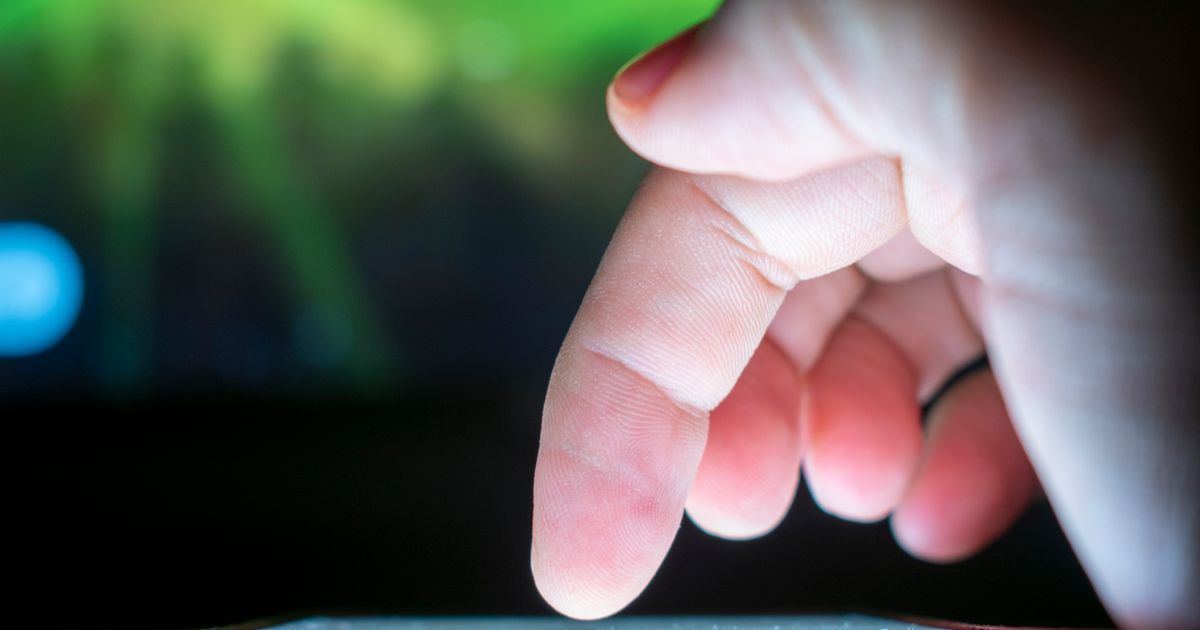
Close-up of a finger interacting with a touchscreen, capturing a moment of technology use.
Photo by Leandro Alamino on Pexels

What is a trail? A trail is a reading path: 9 guides in the order that makes each one easier to understand. You tick off each guide as you finish it, and the progress bar remembers where you stopped.

Your progress

0 of 9 read (0%)

Checking a box saves your progress in this browser only, using localStorage. It is never sent to GadNest. Clearing it removes it from this device only.

  1. How a Capacitive Touchscreen Detects Your Fingerbeginner 6 min read
  2. Why Touchscreens Struggle With Gloves and Wet Fingersbeginner 6 min read
  3. How Screen Protectors Affect Touch Sensitivityintermediate 6 min read
  4. Why Your Screen Sometimes Ignores Light Tapsbeginner 6 min read
  5. OLED vs LCD: What Actually Lights Up Your Screenintermediate 6 min read
  6. What Pixel Density (PPI) Actually Changes on a Screenintermediate 6 min read
  7. What 'Refresh Rate' Means and Why 120Hz Feels Smootherbeginner 6 min read
  8. How Auto-Brightness Sensors Decide How Bright Your Screen Should Bebeginner 6 min read
  9. Why Phone Screens Crack More Easily Than They Used Tobeginner 6 min read

See everything in Screens and Touch