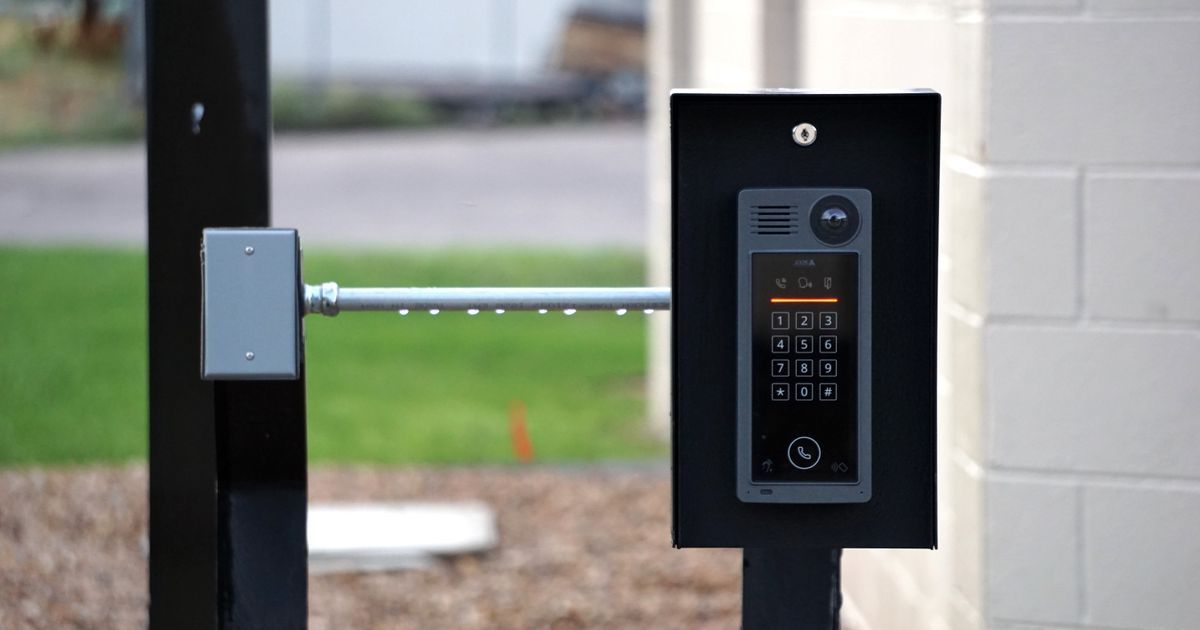
A traditional door lock makes one simple decision: does this specific metal key fit the specific pattern cut into the cylinder? A smart lockA door lock that can be opened, closed, and checked remotely through an app, a code, or sometimes a fingerprint, instead of only a physical key. More in the glossary has to answer a much more flexible question, is this particular person, code, phone, or card allowed in right now, and it has to answer that question correctly every time, because getting it wrong in either direction is a real problem, whether that means locking someone out of their own home or letting the wrong person in.
To do this, a smart lock replaces the single mechanical key check with a small access-control system: a list of who's allowed in, some way of verifying who's actually asking, and a motor or mechanism that physically moves the bolt once that verification succeeds. Different smart locks use different combinations of codes, fobs, phone signals, and biometric scans to verify identity, but the underlying structure is similar across almost all of them.
This article walks through how a smart lock stores and checks permissions, what actually moves when it unlocks, and where the real security risks tend to show up in practice.
The Access List: Who's Allowed In, and When
At the core of every smart lock is a stored list of valid credentials: PIN codes, registered phone or fob identifiers, fingerprints, or key cards, depending on the model. Many smart locks let you attach conditions to each credential beyond a simple yes-or-no, like limiting a specific code to certain hours of the day, a specific date range for a short-term guest, or a one-time use for a single delivery.
This list is usually stored locally on the lock itself, so the door can still make access decisions even if the home's internet connection is down. Any changes made through an app, like adding a new guest code or revoking an old one, sync from the app to the lock itself, either immediately over a local wireless connection or the next time the two are in range of each other.
How the Lock Verifies a Credential
When someone enters a code, taps a fob, presses a finger to a scanner, or approaches with a paired phone, the lock compares what it receives against its stored access list. For a PIN, this is a straightforward digit-for-digit match. For a fob or phone, the lock is checking a cryptographic identifier, a kind of digital signature unique to that specific device, rather than anything a person could simply guess or overhear. For a fingerprint, the lock compares a mathematical representation of the fingerprint's pattern against the stored template from enrollment, rather than storing or comparing an actual image.
In every case, the lock is looking for a match against its known list, not evaluating the person in any broader sense. This is an important distinction: the lock doesn't know who you are as a person, only whether the specific credential you presented matches something already authorized.
What Physically Happens When Access Is Granted
Once a credential checks out, the lock sends a signal to a small electric motor inside the lock body, which physically turns the deadbolt or latch mechanism, the same kind of mechanical movement a person would otherwise do by hand with a traditional key. This is why smart locks still have a genuine mechanical bolt inside the door, rather than being purely electronic: the electronics decide whether to unlock, but a physical bolt is still what keeps the door closed.
Most smart locks also keep a local log of each access event, who or what credential was used and when, which is one of the clearest practical advantages over a traditional key: you can review exactly when the door was unlocked and by which registered credential, without needing to be present.
Remote Access and Why It Depends on More Than the Lock
Many smart locks can be unlocked remotely through a smartphone app, which introduces an additional layer beyond the lock itself: your phone has to authenticate with a cloud account, that account has to be linked to the specific lock, and the command has to travel from your phone, through the internet, to a hub or bridge device at your home, and finally to the lock. Each of those links needs to work for remote unlocking to succeed, which is part of why remote lock commands occasionally fail even when the lock itself is working perfectly.
This is also why many smart locks are designed to keep working for local methods, like a keypad code or fob, even during an internet outage: local access doesn't depend on the cloud round trip that remote access requires.
Where the Real Security Risks Actually Are
The mechanical lock mechanism and cryptographic credential matching in most reputable smart locks are generally well engineered. The more common real-world risks tend to involve the surrounding systems: a weak or reused account password protecting the associated app, a shared code that never gets removed after a guest or contractor no longer needs access, or a lock's wireless communication being intercepted if it uses outdated or poorly implemented encryption.
Security researchers and standards organizations that study connected locks generally focus less on whether the bolt itself can be forced, which is largely a question of traditional mechanical lock security, and more on these software and account-level weaknesses, because they tend to be easier to exploit and easier for an everyday user to accidentally leave open.
Backup Access When Electronics Fail
Nearly every smart lock includes some kind of backup method for when the electronics can't be used: dead batteries, a firmware glitch, or a lost phone. Common backups include a physical key override, a 9-volt battery terminal on the outside of the lock that can power it temporarily, or a code-based manual override stored separately from the main system.
This backup layer mattersA shared set of rules that lets smart home devices from different brands work together and be controlled from the same app, instead of each brand needing its own separate app. More in the glossary because an entirely electronic-only lock with no fallback would turn a dead battery into a genuine emergency. Most manufacturers build in a low-battery warning well before the lock actually stops functioning, specifically to give you time to replace batteries before you're relying on a backup method.
How Different Smart Lock Credentials Are Verified
| Credential Type | How the Lock Verifies It | Common Limitation |
|---|---|---|
| PIN code | Exact digit match against stored codes | Can be shared or guessed if not changed regularly |
| Key fob | Cryptographic identifier unique to the fob | Lost fob must be manually removed from the access list |
| Smartphone (Bluetooth/app) | Paired device authenticates with the lock and account | Depends on phone battery and app connectivity |
| Fingerprint | Mathematical match against enrolled fingerprint template | Can struggle with wet, dirty, or injured fingers |
| Physical key override | Traditional mechanical key pattern | Defeats the purpose of the smart lock if left easily accessible |
Common Mistakes
- Never removing an old guest or contractor code after it's no longer needed, leaving a valid credential active indefinitely.
- Reusing a weak or already-compromised password for the account that controls the lock's app and remote access.
- Assuming remote unlock will always work the same as a local keypad, when remote access depends on an internet connection and hub as well as the lock.
- Ignoring low-battery warnings until the lock stops responding entirely.
- Believing a smart lock's electronic security is the main weak point, when shared codes and weak account passwords are more common real-world risks.
Frequently Asked Questions
Does a smart lock still have a physical deadbolt?
Yes. The electronics decide whether to unlock, but an actual mechanical bolt or latch still physically secures the door, moved by a small motor inside the lock.
What happens if the internet goes down?
Local access methods like a keypad code or fob usually keep working, since the access list is stored on the lock itself. Remote unlocking through an app typically requires an internet connection and won't work during an outage.
Can someone unlock my smart lock by guessing or hacking the signal?
Reputable locks use cryptographic identifiers for fobs and phones rather than simple signals that can be copied, making this type of attack difficult. Weak account passwords and old, unremoved codes are far more common real-world risks.
What happens if the lock's battery dies?
Most smart locks warn you well before the battery is fully dead and include a backup method, such as a physical key override or an external battery terminal, so you're not locked out.
Sources
- NIST — guidance on digital identity and access-control security — https://www.nist.gov
- Connectivity Standards Alliance (Matter) — smart home device security and interoperability standards — https://csa-iot.org
- IEEE Spectrum — coverage of connected lock and access-control engineering — https://spectrum.ieee.org